BrowserMonkey
Sniff once, shortcut forever. Browser automation without the screenshot tax.
Sniffer maps a website's real API calls once and writes them to a local file. Monkey reads that file and navigates blind — no screenshots, no coordinate guessing, no fog-of-war on every run. Built for the 90% of SaaS that won't give you an API.
- Sniffer intercepts fetch/XHR calls — documents every endpoint
- Monkey replays shortcuts without screenshots
- Works on walled-garden tools with no public API
- Shortcut files saved locally in your Coworker folder
Claude Cowork plugin. Install via Plugins → Add Personal Plugin → Upload.
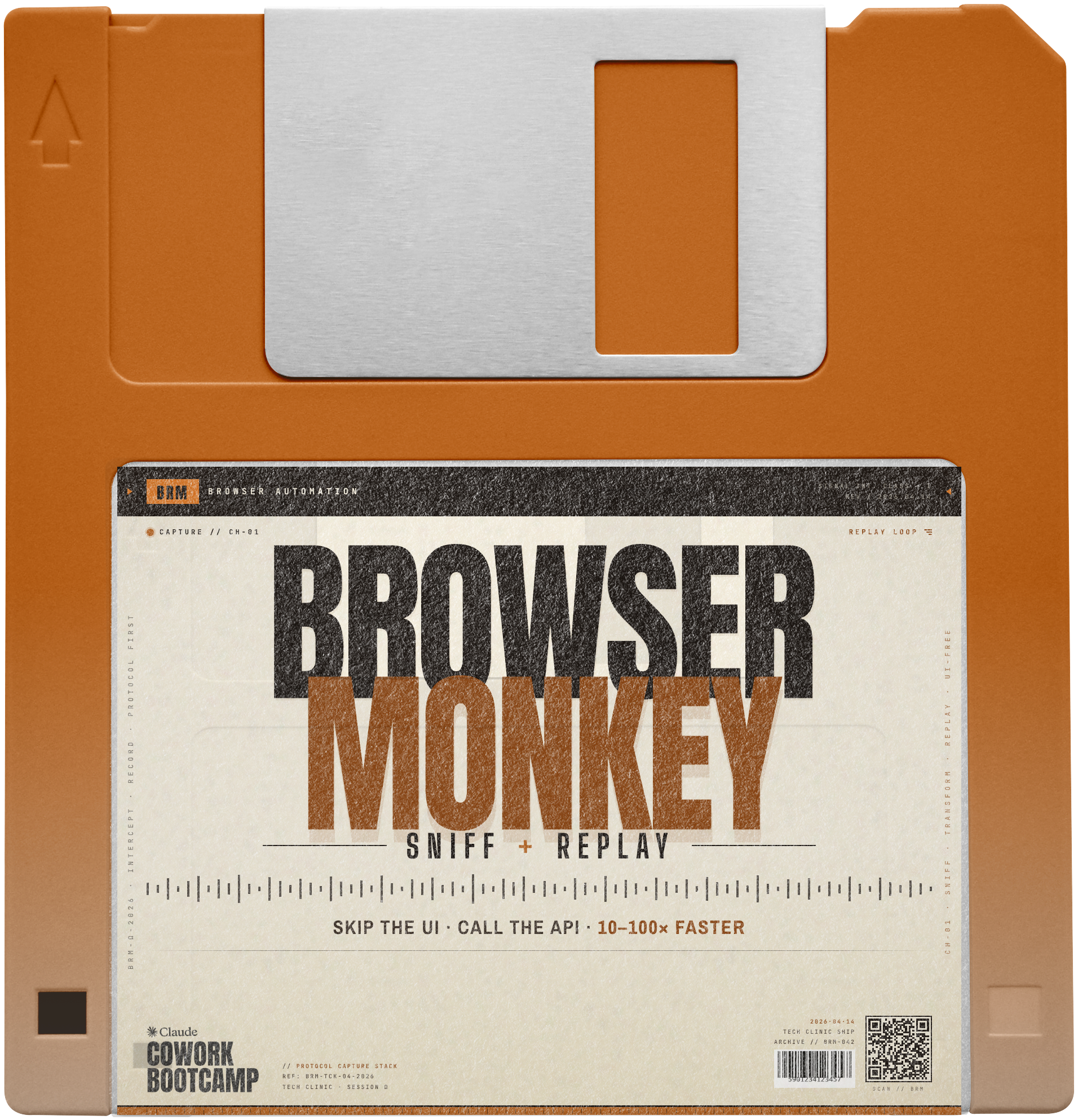
The screenshot tax is real.
Native browser automation rediscovers the maze every session. Monkey reads the map.
Native automation vs BrowserMonkey
| What | Without Monkey | With Monkey |
|---|---|---|
| Screenshot loops | Every. Single. Step. | Zero |
| Token cost per run | High (vision calls) | Minimal (text-only) |
| Memory across sessions | None — starts over | Reads shortcut file |
| Setup required | None (just slow) | One Sniffer run per site |
// Real workflow — Roman · April 2026 AIWS Clinic
Problem: Monthly accounting — 12 invoices from 6 tools with no public APIs. Finnish accounting software. 45 min/month, manually.
With Monkey: One Sniffer run across all invoice tools (~20 min, once). Every month after: Monkey fetches everything, uploads to accounting, done.
→ 45 min/month → 0 min/month. Payback on run one.
3 steps. 2 minutes.
Get the skill
Click the button above to open the Notion page. Download browser-monkey.zip. Don't unzip it.
Upload to Claude
Go to Customize → Personal Plugins → + → Upload Plugin. Drag and drop the ZIP.
Open a new task and type /monkey
Plugins only load in new tasks. Give it the target site. Sniffer maps it. Monkey runs it every time after.
Want the full system?
BrowserMonkey is one skill from the bootcamp.
Claude Cowork Bootcamp teaches you to build AI workflows that run your business. 6 live sessions. Real skills. Not prompts.
Join the Waitlist